Showing posts with label From My Photo Lab. Show all posts

New Photography Blog!!

Happy New Year!!!

I'm happy to announce that I have a new blog for my photography business...


So if you happen to live in the San Juan, Puerto Rico area, are close by or are planning to travel here, make sure to schedule an appointment and let me help you capture that precious moment that will last forever!
Share:
Read More
, , , , ,

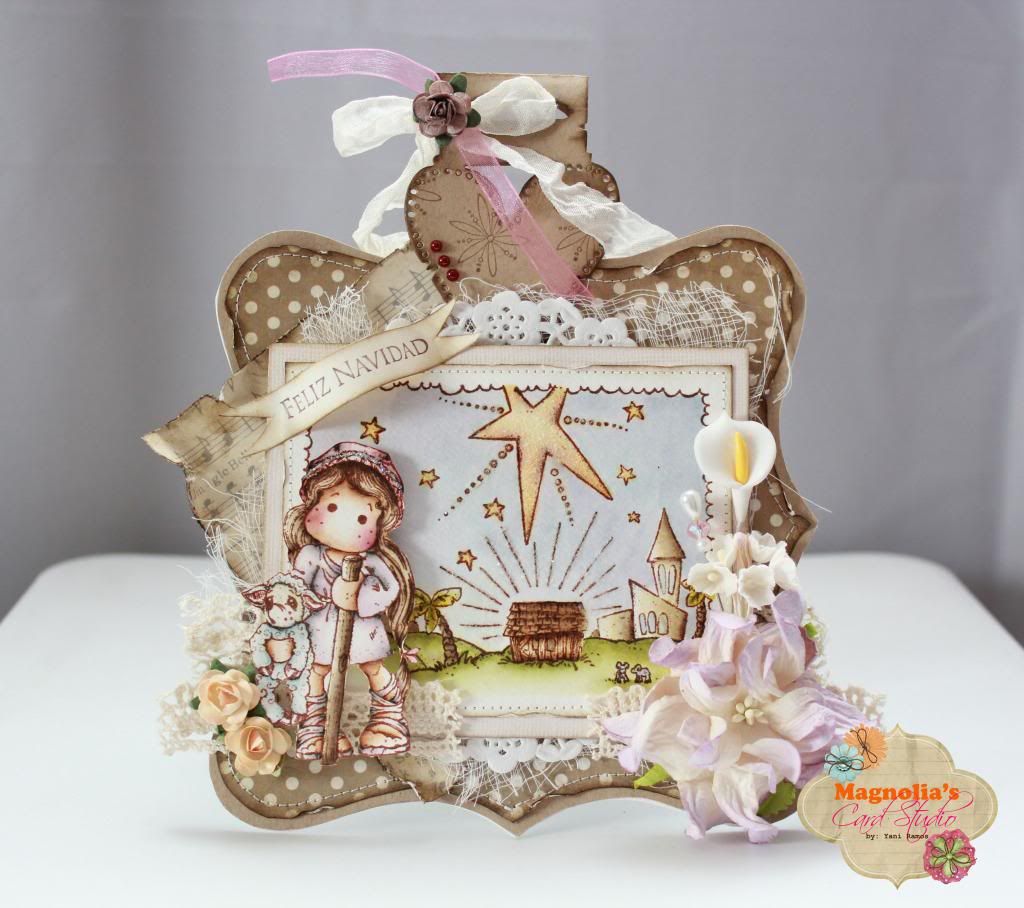
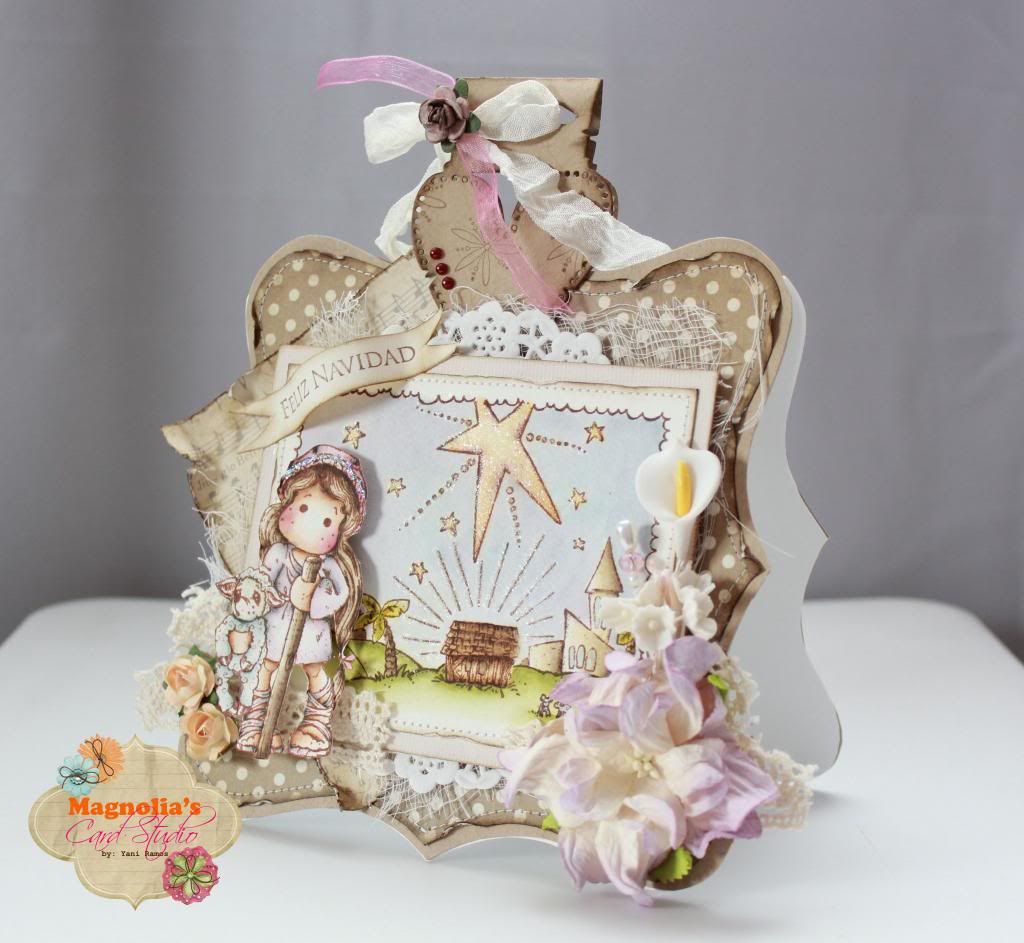
Shepherd Tilda


At only one week until Christmas, I can say that I'm almost ready for this big event.

My cards were mailed...

My home decoration is done...

I'm almost finished with my shopping...

My December Daily is in process and it's looking fabulous ;-)


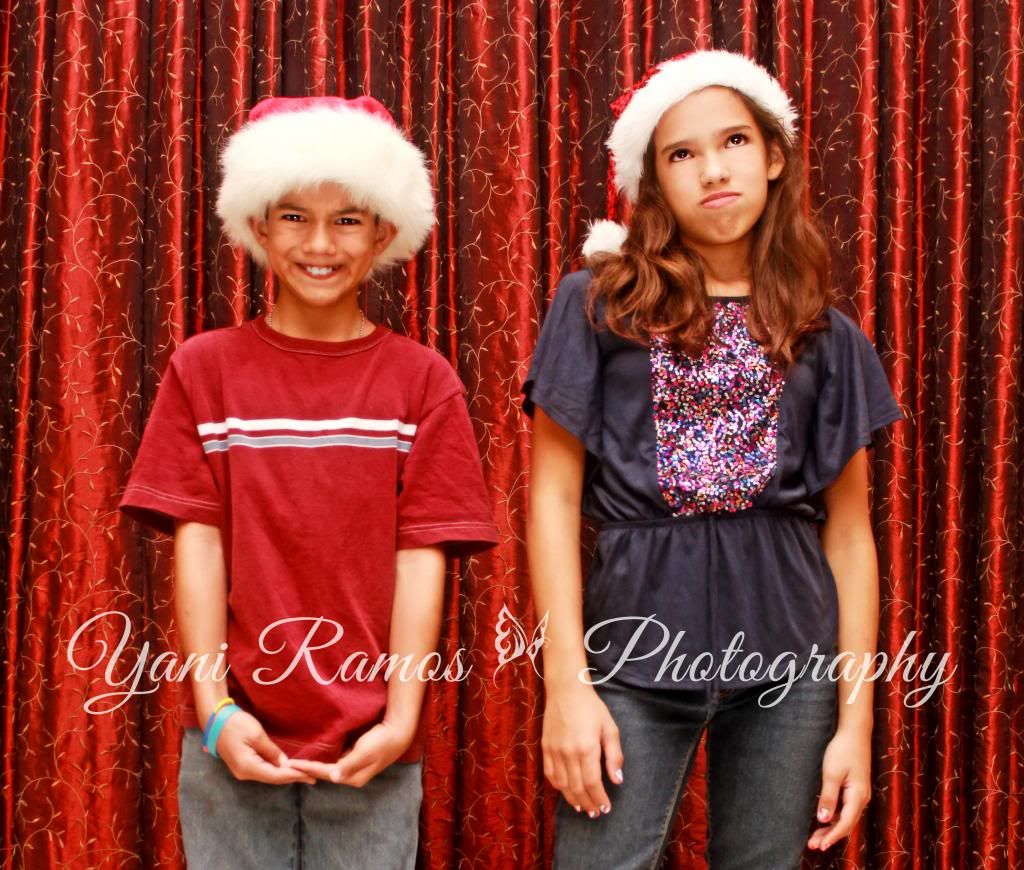
I made a Christmas Photo Session for some happy customers...

And of course, I made some time out to play with my Magnolia stamps ;-D


Like the title says, this is Shepherd Tilda on a lovely background of Bethlehem. Everything is colored with Distress Inks.

I made a shaped card with Nestabilities and my Big Shot. The most talented Camilla has a -->tutorial on how to make one.


Papers are from Simple Stories, flowers are from Wild Orchid Crafts (and from some other companies), the heart tag is Magnolia, the sentiment reads "Merry Christmas" and is from Stampin' Up, and I also used trims, a doily, cheese cloth, and machine stitching.

Oh and guess what? That little fellow to the left just announced that he knows who Santa really is!! :-o My reply: "Good! Because now you can tell yourself to that person that I want an iPad for Christmas." LOL!!


Happy Stamping!!
Share:
Read More
, ,

Winners and a Couple of Announcements

I'm so sorry that it took this long to post the winners from my blog of the Saturated Canary You Tube Channel's launch week!! My little head lives in Strawberry Land and very ~far away~!!! Again my apologies!

But here they are... the winners of one Saturated Canary Digi Image...

#1 - Gabby

#2 - Sonia

WOOHOOO!!! CONGRATULATIONS!!!

And now some announcements ;-)

On October 10th my SMASH*ing Sisters and I return with another super fun *blog hop*...


And guess who's sponsoring?


YESSS!!! The most talented Angie Delarie. You can check her products here:


So mark your calendars for October 10th and it all starts here...


Then this upcoming weekend Magnolia stamps will be having...


A couple of my fellow DT members will be there sharing their talent with the rest of the world. So if you live nearby, don't forget to drop by!

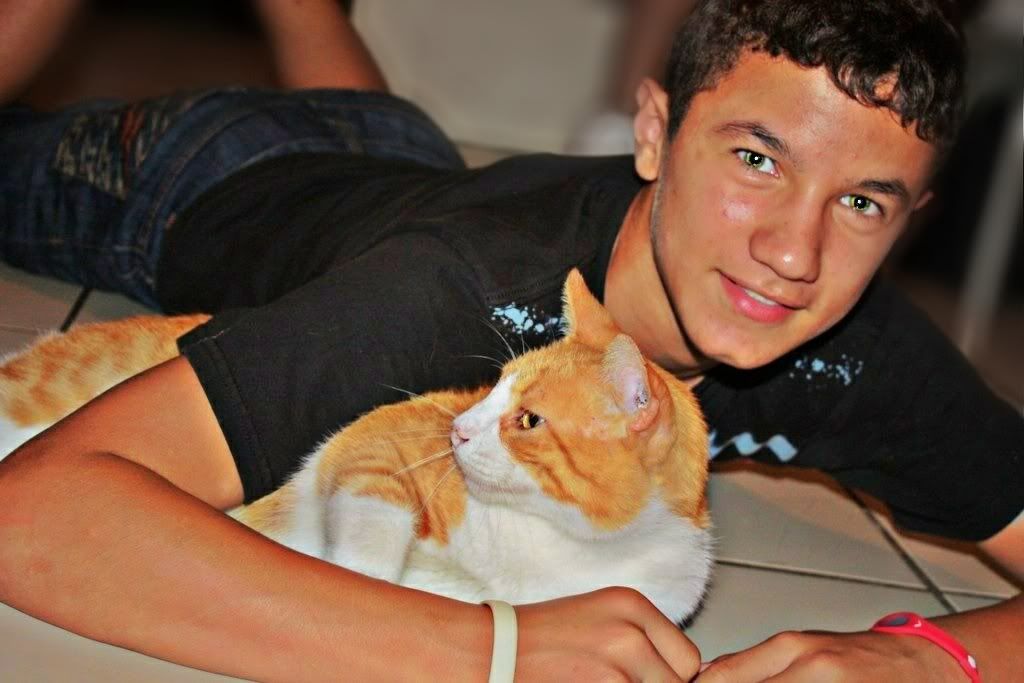
Finally, I wanted to share a very special pic I took of my son. He turned 15 last week and I can't believe how big he is.


I really~really miss my baby :-s Anyhow, I'm happy to have him and can't thank Heaven enough for this amazing blessing!! <3

Thanks for stopping by!! See you soon ;-)
Share:
Read More

From My Photo Lab: A Visit to the Zoo!

Hopefully I'm not the only one who likes to visit the zoo...


Yes, the place is stinks! :-s I had to shower right after I got home...LOL!  But it's like entering to another world... to another dimension.


There's so much beauty to see... beauty that you don't see every day.


The animals are simply amazing, and it makes you realize how many great things are out there that you're missing out!


Share:
Read More

From My Photo Lab: Back to Reality

So last week I had a little piece of paradise...


And now it's back to reality!
Share:
Read More

From My Photo Lab: Aperture Priority Mode + the Bokeh Effect

(These are quick, simple tips that I'm giving you to better understand your camera's features and for fun photography tricks. There are MANY wonderful tutorials out there that you can also use as reference.)


All DSRL cameras have this  icon, which stands for "Aperture Priority Mode". In simple words, it's the camera's setting that controls the area over which light can pass through your camera lens.
It's represented/specified in terms of f-stop value, in which:

  • the lower the f-stop value (eg. f/1.0, f/1.4), the wider the aperture will be; and
  • the higher the f-stop value (eg. f/4.0, f/5.6), the smaller the aperture will be.
And why do you have to know all this?

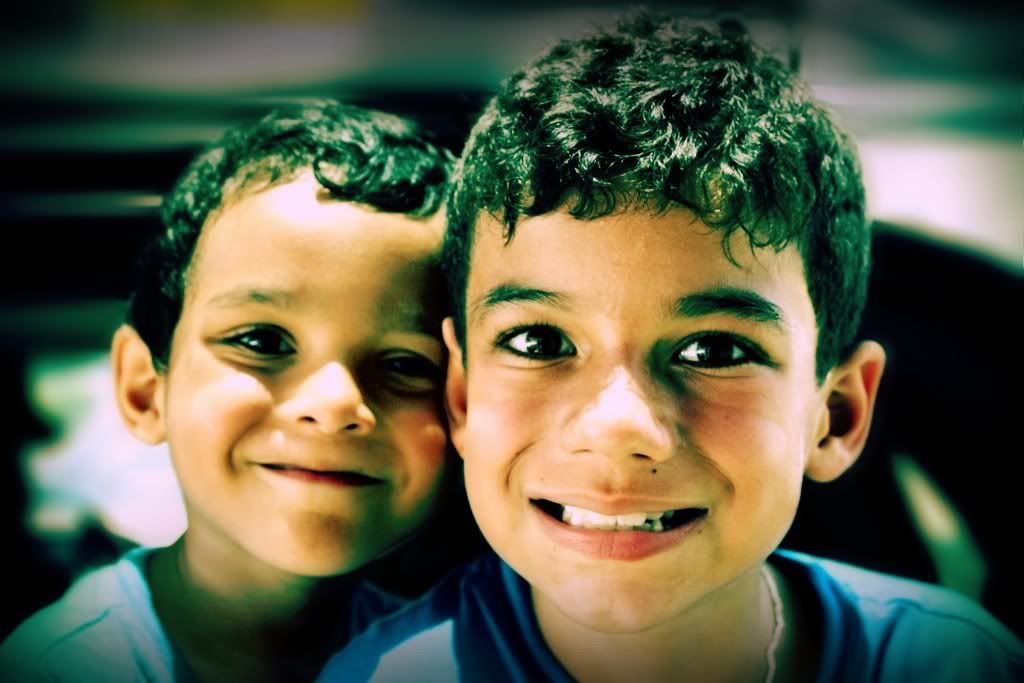
Because if you do, then you'll know how to set your camera to make this Bokeh effect (Depth of Field), just like the pics in this post ;-)


See how blurry the background is? It is because I set the Aperture Mode (Av) in the lowest f-stop value.

By turning the wheel in your camera, you can increase or decrease the f-stop value and, furthermore, make your background look real blurry (or less blurry). Cool ha?

Now, there are other things that you must take into consideration...
  • The Depth of Field (DoF) or Bokeh effect is the range of distance that appears sharp. A reasonable distance is 1' of distance from your subject.
  • The longer focal lengths appear to have a shallower DoF, because they enlarge the background relative to the foreground.
  • The lower the f-stop value, the blurry your background will be. This setting is also used for low light situations.
  • The higher the f-stop value, the softer or less blurry your background will be. This setting is also used for bright light situations.
  • The framing and/or the Rule of Thirds will also do the trick... but that I'll explain in another post ;-)
  • Take in mind the camera's ISO, as it plays an important role too when using the Av Mode ;-)
For iPhone 4 Users:
  • The Av in an iPhone 4 is set to f/2.8, which is a standard one for a DoF effect. Simply frame your pic and then tap the small square that appears in the iPhone's screen window to focus on the subject and the camera will do the rest ;-)
  • There's this cool free application called Big Lens, which helps you give your iPhone's pics a much better detailed DoF, among with other cool features. And did I mention that it's free? :-D
Share:
Read More